The Concept
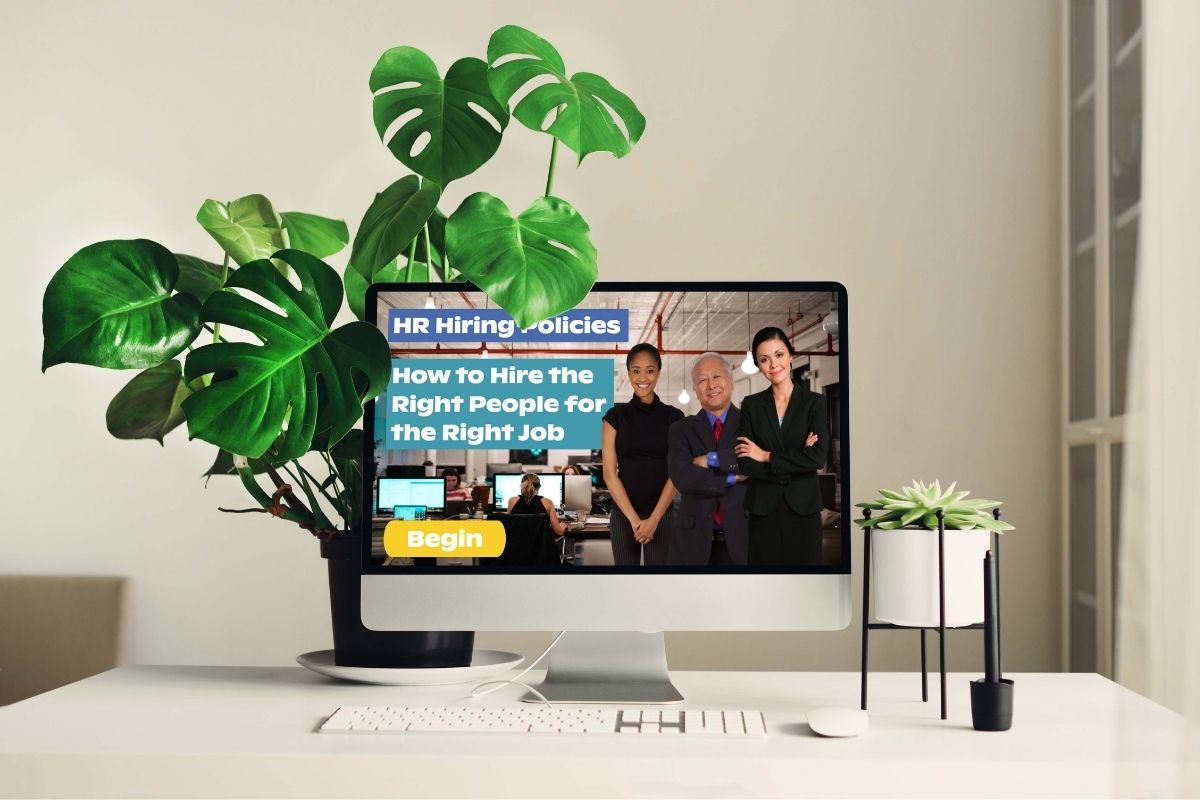
As part of Tim Slade’s eLearning Designer’s Academy, we were challenged to transform three very dated PowerPoint slides about HR hiring best practices into a more engaging learning experience.
With my background in Human Resources, I couldn’t resist using all three and giving them a grand makeover. I wanted the redesign to feel more modern and interactive while also representing a broader range of people and experiences.
The Process
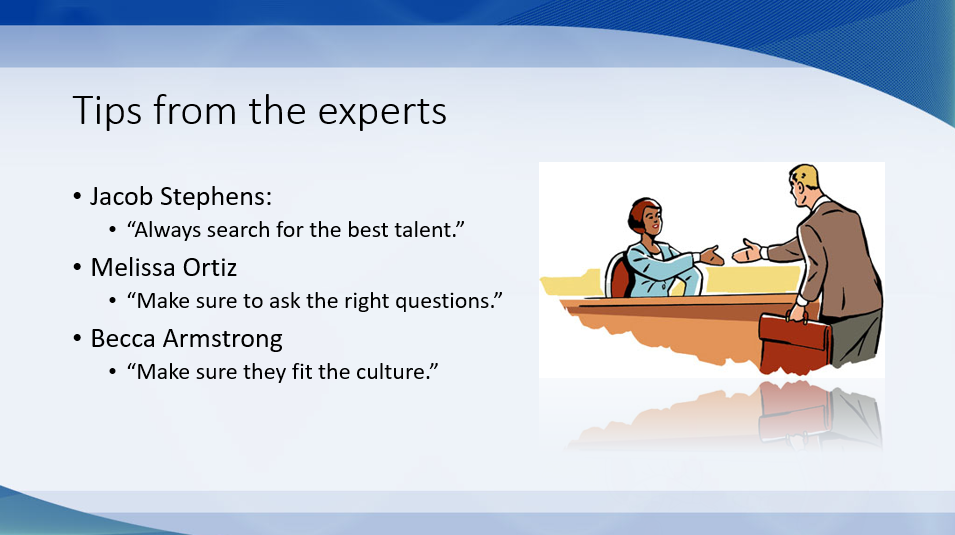
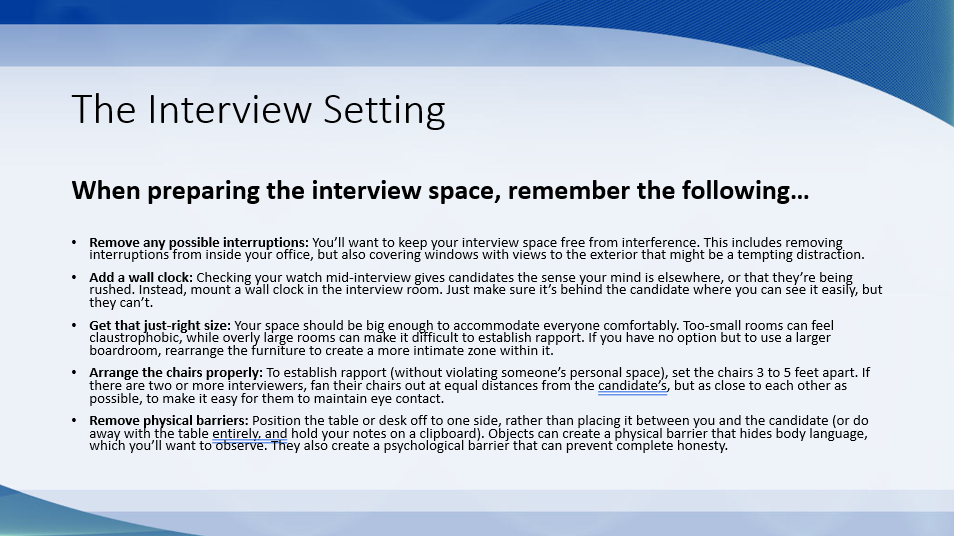
Take a look at the original slides. I wasn't lying when I said they were bland!

I started by completely reimagining the visual design, using Canva to create custom graphics and adding audio and sound effects to give the experience more personality and depth.
For the narration, I used both my own voice and the voice of my friend Adil, recording and editing the audio with Audacity and Camtasia. Including different voices and accents was an intentional part of creating a learning experience that reflected more than the typical corporate training cast of characters.
Finally, I added interactions throughout the experience to keep learners actively involved. Because come on—we’ve all sat through enough dull training. 😉
The Result
During Tim's live review of my project, he specifically highlighted the intentional inclusion of different accents and voices—not just diverse imagery. He noted that using a non-native English speaker as one of the characters represented an aspect of inclusion that was rarely discussed or practiced in eLearning at the time.
His feedback reinforced something that continues to shape my work today: inclusive learning design goes far beyond who appears in the images.
Try it out for yourself!